November is three weeks away, and your Google Analytics 4 property shows 47 conversions for October. Your inbox shows 83 quote requests. That gap isn't a rounding error — it's a broken tracking setup, and it's been quietly distorting every decision you've made about your website and your ad spend for months.
This is the audit you run now, before Black Friday, before your Q4 push, before you pour more budget into a system that can't tell you what's actually working.
Why Google Analytics 4 loses conversions silently
GA4 doesn't send you an alert when it stops counting your form fills. It just... stops. Or counts half of them. The dashboard still looks plausible, which is exactly what makes this dangerous.
There are four places the data breaks down, and they're independent of each other — you can have all four problems at once.
The tag isn't on every page
If your site was built in pieces — a WordPress theme here, a landing page plugin there, a checkout hosted by a third-party payment processor — there's a real chance your GA4 tag (the small snippet of code that reports activity to Google) only lives on some of those pages. A visitor who lands on your homepage, browses, then hits a checkout page where the tag is missing gets dropped from the session. The conversion never registers.
The check is simple: open Google Tag Assistant, walk through your full conversion path as a customer would, and watch whether the GA4 tag fires on every single page including the thank-you confirmation page. If it disappears anywhere in that flow, you've found your first problem.
Your events exist but aren't marked as key events
This one catches a lot of SMBs. GA4 tracks dozens of events automatically — page views, scrolls, clicks. But none of those feed your conversion reports or your Google Ads return on ad spend (ROAS) unless you explicitly flag them as key events in Admin > Conversions.
It's a two-click toggle that's easy to miss during setup. Go into your GA4 property right now and count how many key events you have marked. If the answer is zero, or if "purchase" and "generate_lead" aren't on the list, your conversion data is essentially decorative.
Cross-domain tracking breaks the session
If your quote form lives on a subdomain (like booking.yourbusiness.ca) or on a third-party tool (Calendly, Typeform, a payment gateway), GA4 treats that as a new session from an unknown source. The conversion happens, but GA4 attributes it to "direct" traffic or drops it entirely. According to Google's GA4 documentation, cross-domain measurement requires explicitly listing every domain in your property settings — a step that's skipped in the majority of out-of-the-box setups I see.
Consent mode is blocking the tag for a third of your visitors
Canada's Law 25 in Quebec and the growing adoption of CASL-aligned consent banners mean more Canadian sites now ask visitors to accept cookies before any tracking fires. That's correct behaviour. The problem is when consent mode isn't configured properly and GA4 simply receives nothing from visitors who decline — no modelled data, no conversion signal, nothing. Depending on your audience, that can mean 20-40% of your traffic is invisible to your analytics.
GA4's consent mode v2 (the current standard as of 2026) includes a modelling layer that estimates conversions from non-consenting users. But only if you've implemented it correctly. Most SMB sites haven't.
The five-step audit you can run this week
Step 1: Compare GA4 to your source of truth
Pull your GA4 conversion count for the last 30 days. Then pull the same number from wherever you actually receive leads — your CRM, your email inbox, your booking system. If the gap is more than 15%, you have a tracking problem worth fixing. Across the SMB accounts we manage, a gap of 30% or more is not unusual when we take on a new client and run this check on day one.
Step 2: Walk the conversion path in DebugView
GA4's DebugView (Admin > DebugView) shows you every event firing in real time. Open it in one tab, then go through your full conversion flow — fill the form, hit submit, land on the thank-you page — in another tab. Every step should produce an event in DebugView. If the confirmation page produces nothing, the tag isn't there.
Step 3: Audit your key events list
Admin > Conversions. Every meaningful action a visitor can take on your site — form submission, phone click, appointment booking, purchase — should be on this list and toggled on. If you're running Google Ads, these key events are what the algorithm uses to decide who to show your ads to. A missing key event means you're paying for traffic and telling Google to ignore the results.
Step 4: Check your cross-domain configuration
Admin > Data Streams > your stream > Configure tag settings > Configure your domains. Every domain and subdomain involved in your conversion flow needs to be listed here. If your booking tool is on a separate domain, it goes on the list. If your payment processor redirects back to your site for the confirmation page, that domain goes on the list too.
Step 5: Test your consent banner against GA4
Accept cookies on your site, complete a conversion, and check DebugView. Then clear your cookies, decline cookies, complete the same conversion, and check DebugView again. You should still see a modelled signal if consent mode v2 is set up correctly. If you see nothing at all for the declined session, your consent implementation needs work.
What a broken setup actually costs you
The business case for fixing this isn't about having cleaner dashboards. It's about money.
If you're running Google Ads with target CPA (cost per acquisition) or target ROAS bidding, GA4's conversion data is the signal Google's algorithm uses to optimize your spend. Under-report conversions, and the algorithm thinks your best-performing keywords and audiences aren't working. It pulls budget away from them. You end up paying more per lead for worse results, not because your ads are bad, but because the measurement is broken.
The fix has to happen before peak season for a specific reason: GA4's smart bidding models need roughly 30 days of clean conversion data to recalibrate. If you fix tracking on November 15th, you won't see the full benefit until mid-December — which, for most Canadian SMBs, is after the critical window has closed.
When to bring in outside eyes
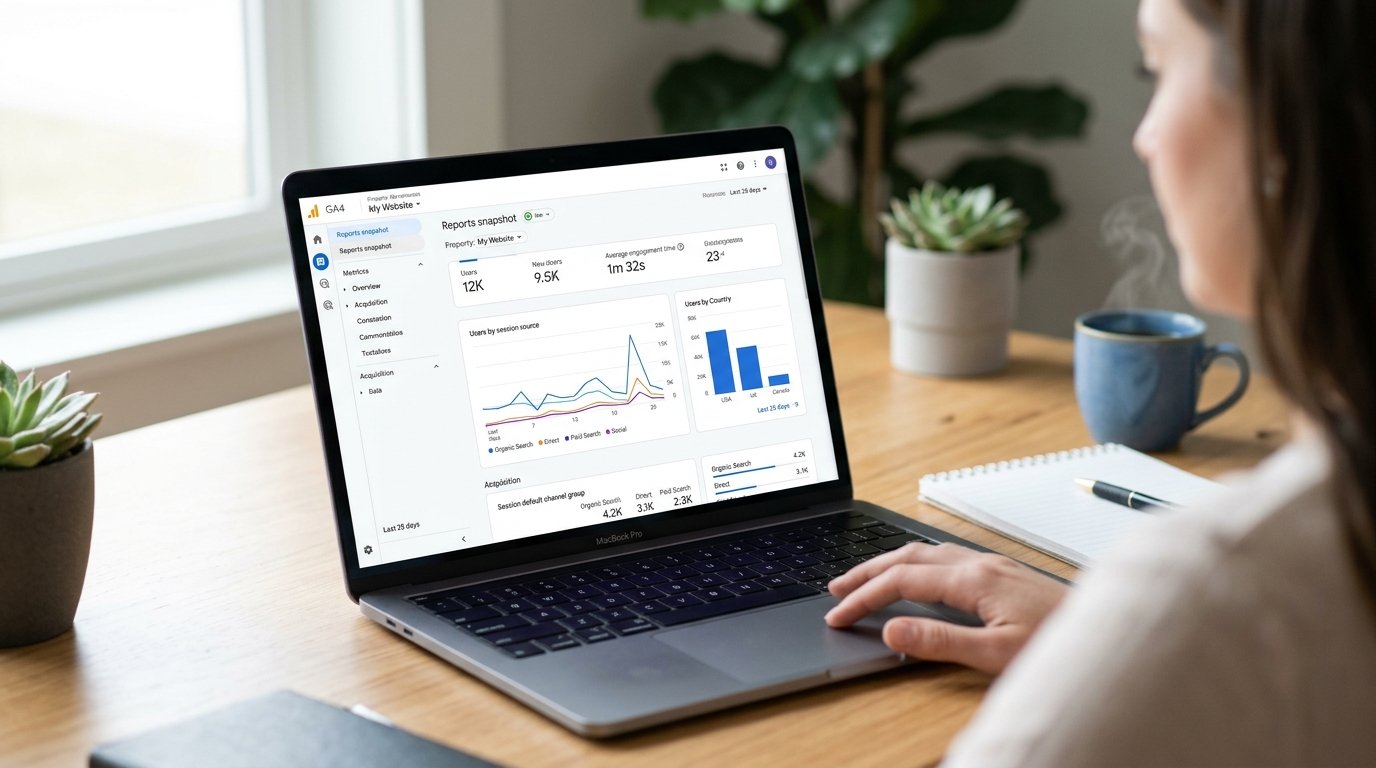
The five steps above will surface most problems. But there's a category of GA4 issue that's genuinely hard to diagnose without someone who does this regularly: server-side tagging conflicts, GA4 properties that were migrated from Universal Analytics with leftover configuration, or setups where a tag manager (Google Tag Manager or another) is layered on top and events are firing twice or not at all.
If you've run the audit and the gap between GA4 and your CRM still doesn't close, that's the point to get a second set of eyes. Our website and landing page work always starts with exactly this kind of measurement audit — because a site we can't measure is a site we can't improve. And if you're curious about the broader scope of what that looks like, our areas of expertise give you a clearer picture of how we approach the whole acquisition stack.
The audit itself is free to run. The cost of not running it is whatever you're about to spend on Q4 traffic going into a system that's counting wrong.
FAQ
Why is Google Analytics 4 not tracking my conversions?
The most common reasons are a GA4 tag that fires on some pages but not others, a thank-you page with a different domain or subdomain that breaks the session, conversion events that were created but never marked as key events in GA4, or browser consent banners that block the tag for a large share of visitors.
How do I check if GA4 is recording my form submissions?
Open GA4's DebugView (Admin > DebugView) while submitting a test form in another tab. If the event doesn't appear within 30 seconds, the tag isn't firing. Also compare the number of form submissions in your CRM or email inbox against the GA4 event count for the same period.
What is a key event in GA4 and why does it matter?
A key event is an event you've told GA4 to count as a conversion. GA4 tracks dozens of events automatically, but none of them feed your conversion reports or your Google Ads ROAS unless you explicitly mark them as key events under Admin > Conversions. Missing that step is one of the most common GA4 setup errors.
How much revenue can a broken GA4 setup cost an SMB?
It depends on how you use the data. If your Google Ads campaigns optimize toward conversions, under-reporting means the algorithm underspends on your best-performing audiences. Across the SMB accounts we manage, a misconfigured conversion setup typically inflates cost per lead by 30-60% because the bidding model is flying blind.
How long does a GA4 conversion audit take?
A focused audit covering tag coverage, key event configuration, cross-domain settings and consent mode takes two to four hours for a standard SMB site with one or two conversion goals. Fixing the issues found typically adds another two to six hours depending on how the site was built.